
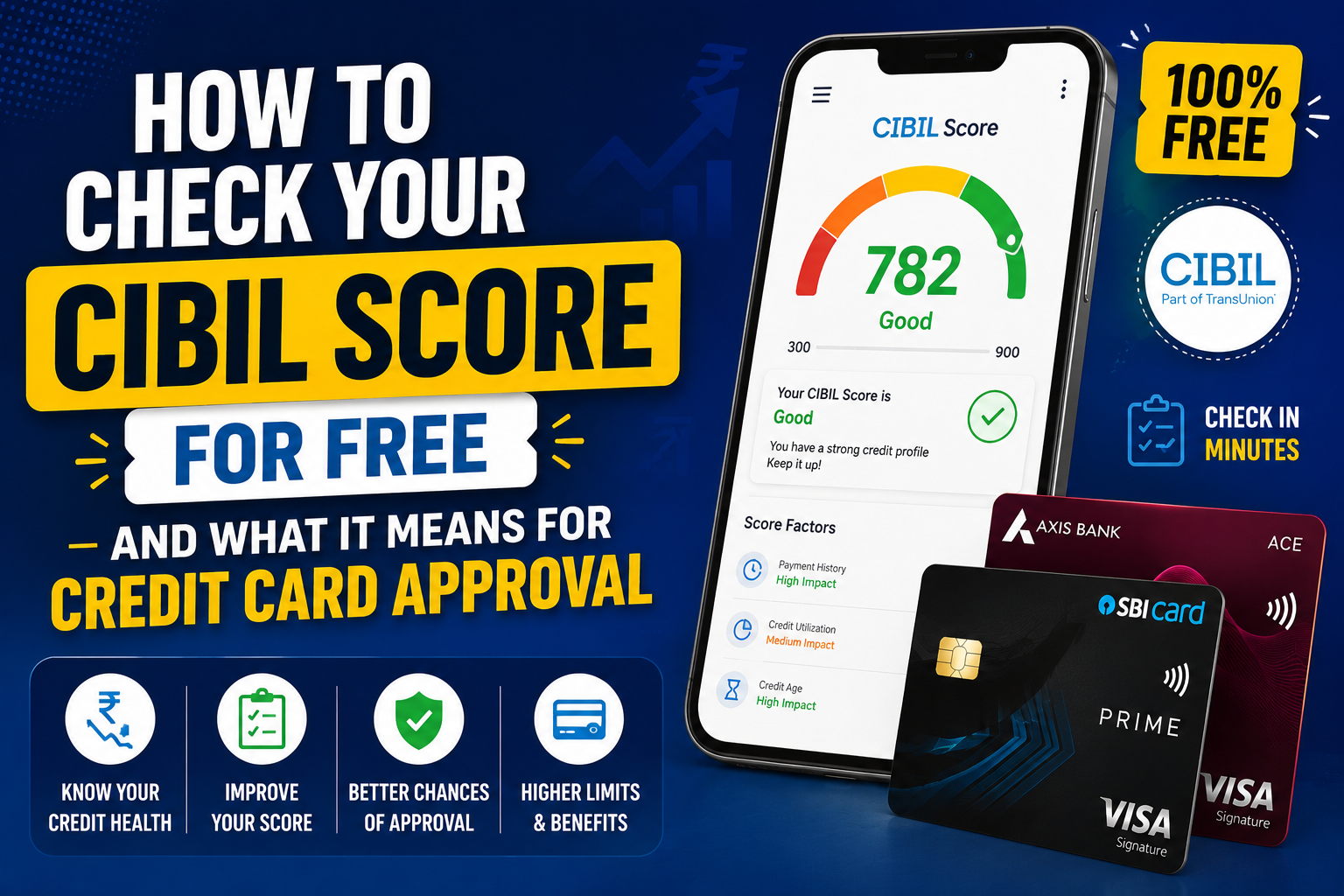
Before you apply for a credit card, knowing your CIBIL score (and the full credit report behind it) saves wasted applications. Each rejection can leave a hard inquiry on your file — and too many inquiries in a short window make the next bank nervous.
The good news: checking your own score is usually a soft inquiry — it does not hurt your score the way a bank’s approval check can. TransUnion CIBIL offers a free score and report path on its official site; RBI’s credit-information FAQs explain your broader rights around bureau data in India.
This guide walks through how to pull your score for free, what the 300–900 number actually reflects, and what it tends to mean for credit card approval — with honest bands and CardCheck cards you can compare next. For “does card X need score Y on the website?” see our companion CIBIL score required for each credit card.
Cards in this comparison (5)
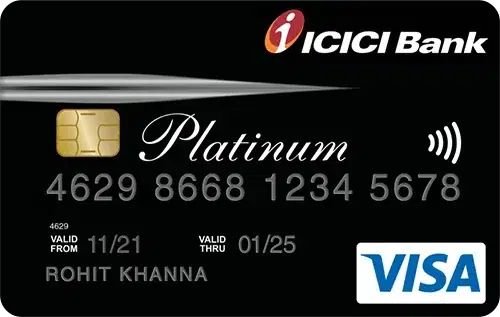

ICICI Bank Platinum Chip Credit Card
First Credit Card
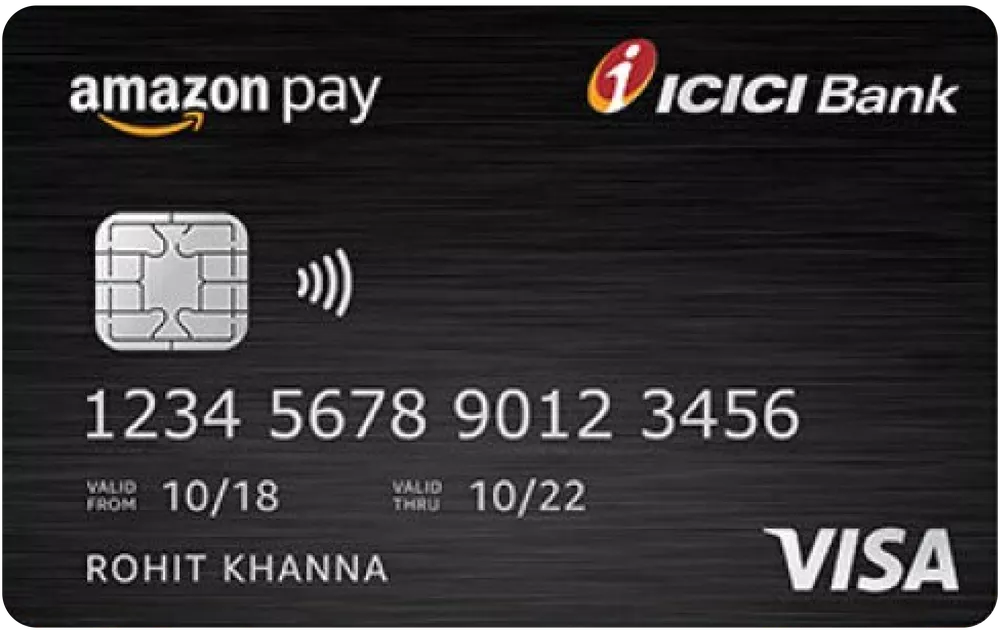
Amazon Pay ICICI Bank Credit Card
Rewards on Amazon Purchases
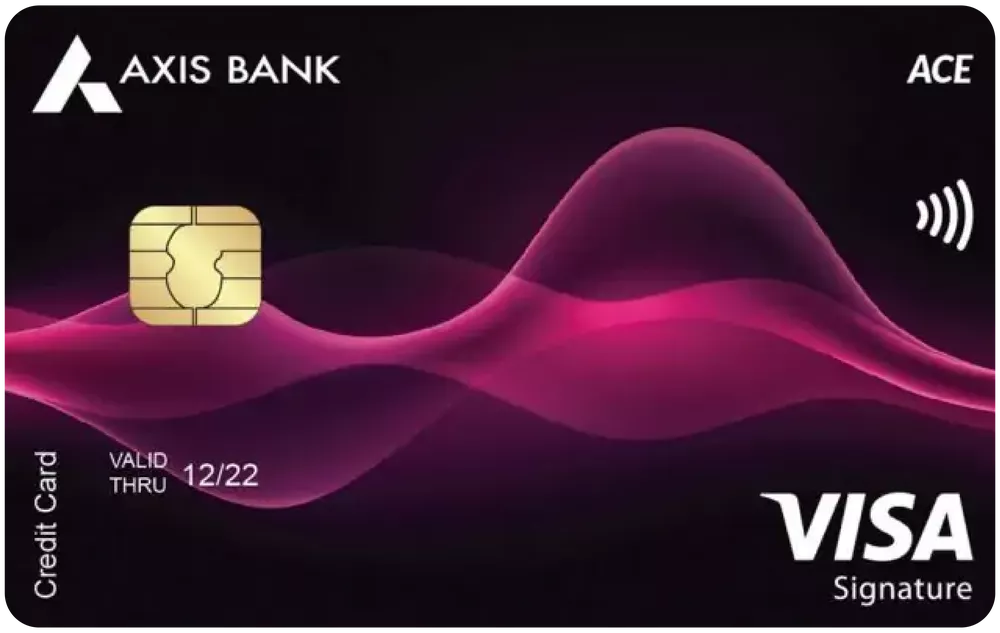

ACE Credit Card
Cashback on utility bills via Google Pay and daily spending
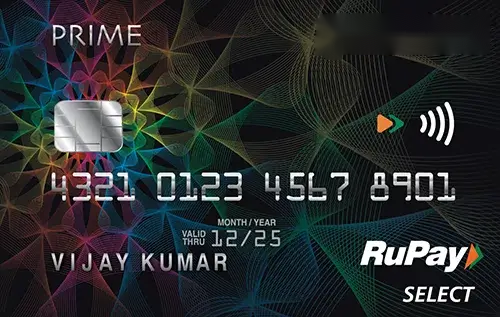

SBI Card Prime
Dining and grocery rewards
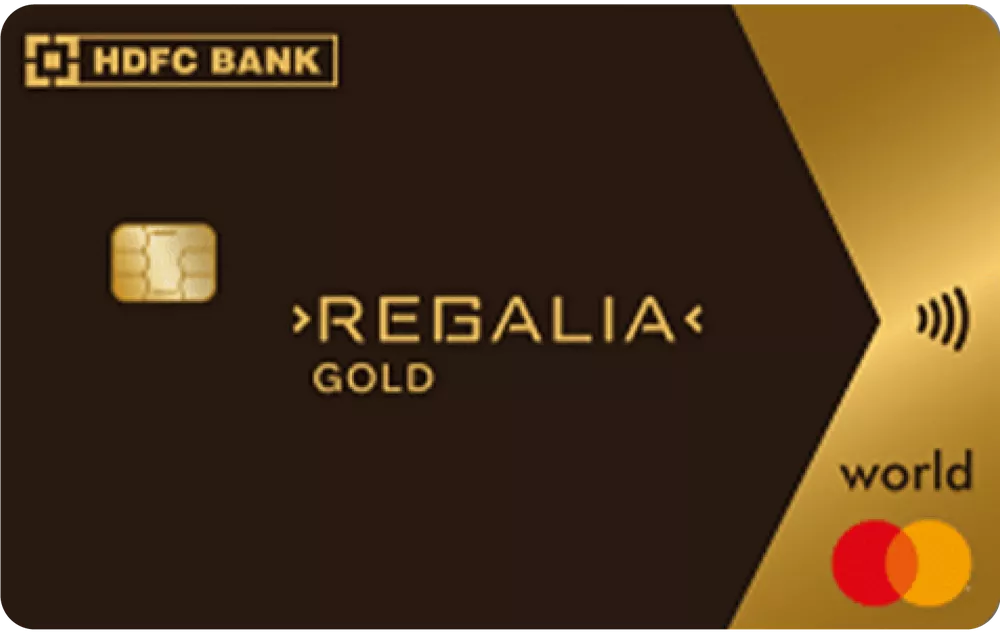

Regalia Gold Credit Card
Travel rewards
What your CIBIL score is — in plain English
TransUnion CIBIL describes the score as a three-digit summary of how you have handled loans and credit cards in the past, built from your credit report (CIBIL’s explainer).
- Range: 300 to 900 — higher is better.
- Not the full story: banks also read income, employer, existing limits, recent enquiries, and delinquencies — not only the headline number.
- Not on MITC: your card’s fee booklet will not print a fixed “minimum CIBIL” — internal cut-offs change and are never promises.
Your free check — what RBI and CIBIL mean
Regulators expect credit bureaus to give consumers access to their own data. CIBIL’s free score page is the primary official channel most salaried readers should start with.
What you typically get:
- Your current CIBIL score
- Account list (cards, loans) with limits and balances
- Payment history flags (on-time vs late)
- Enquiries in the last months — who checked your file and when
Cadence: CIBIL’s site explains when your next free report is available if you already pulled one in the current cycle — read the banner on login rather than assuming unlimited daily pulls.
For disputes and data corrections, use the bureau’s official dispute flow; RBI’s FAQ summarises consumer rights around credit information.
Step-by-step — check on the official CIBIL site
Exact screens change, but the flow is stable:
- Open cibil.com/freecibilscore (or the login link it redirects to).
- Register with PAN, mobile, and email — use the phone you can receive OTP on.
- Complete identity verification (OTP + security questions about past accounts if prompted).
- View your score dashboard and download the credit report PDF if offered.
- Screenshot or save the report before you apply anywhere — you will spot old cards you forgot, wrong limits, or enquiries you did not authorise.
Tip: if the site asks you to recognise old loan amounts, answer carefully — failed KBA locks you out temporarily.
Other free channels — bank apps and UPI
Many readers also see a score inside their bank’s app (net banking / mobile banking) or inside Google Pay under money-management features. These are convenient second looks, but when something looks wrong, treat the bureau PDF as the document you dispute.
Rules of thumb:
- Same month, small drift between apps can happen because of reporting dates.
- Large gaps (50+ points) deserve a fresh pull on CIBIL and a dispute if an account is not yours.
- Do not pay random websites for “instant repair” — no legal shortcut exists for accurate negative history.
Soft vs hard inquiry — why this matters before you apply
When you check your score through CIBIL or a bank’s pre-approved soft-check tool, it is usually a soft inquiry — fine for monitoring.
When a bank processes a credit card application, it often leaves a hard inquiry. Several hard pulls in a few weeks signal “credit hungry” behaviour even if your score is decent.
Practical plan:
- Pull your free CIBIL report.
- Fix report errors first (closed card still showing overdue, wrong PAN link).
- Shortlist two or three cards that fit income + score band.
- Apply one at a time unless the bank explicitly pre-approves you in-app.
What your score tends to mean for credit card approval
Banks do not publish universal cut-offs. The table below is education only — not a guarantee from any issuer.
| Score band | Usual meaning for unsecured cards | What to do next |
|---|---|---|
| Below 650 | Few standard unsecured approvals; secured / FD-backed cards more realistic | Clear overdue items; wait for score to stabilise |
| 650–699 | Some entry and co-brand cards possible with strong income | Compare low-fee starters; avoid premium travel cards |
| 700–749 | Solid chance at mid-tier cashback cards if income fits | Match spend to published benefits; read MITC caps |
| 750+ | Strong file for premium and high-limit lines — still need income proof | Still compare fees — a high score does not make a ₹10k fee card “free” |
CIBIL’s own consumer article notes that a large share of approved loans in their data sits above 750 — that is population statistics, not your personal promise (source).
Five cards to compare after you know your score
Use these as examples across fee tiers — always confirm eligibility on the issuer site.
ICICI Bank Platinum Chip Credit Card
Band: often discussed for first-card and thin-file applicants when income is documented. ₹0 / ₹0 fee positioning in our catalogue — read income floors on the card page.
Amazon Pay ICICI Bank Credit Card
Band: popular entry co-brand when score is fair to good and Amazon spend is real. Lifetime-free positioning in our data — still subject to issuer rules.
Axis Bank ACE Credit Card
Band: 700+ salaried profiles often target cashback workhorses like ACE — ₹499 fee with waiver on ₹2 lakh spend in our fee block; strong Google Pay utility line in published benefits.
SBI Card PRIME
Band: mid-premium rewards + lounge play when score and income are both healthy — ₹2,999 annual fee with waiver on ₹3 lakh spend per published benefits.
HDFC Bank Regalia Gold Credit Card
Band: illustrates 750+ / higher-income positioning — compare only if your report is clean and you will use travel perks enough to beat the fee.
Improve your score before the next application
- Pay on time: set auto-debit for at least the full statement due on every card and loan.
- Lower utilisation: owing near your limit hurts even if you pay in full — aim below 30% of reported limits before applying.
- Do not close old cards casually: average account age matters; downgrade fee-heavy cards instead of nuking history.
- Space out applications: treat each hard inquiry as expensive.
- Dispute errors in writing through the bureau if an account is not yours.
Ready to match score + income to a shortlist? CardCheck’s Eligibility checker flags cards that fit common bureau bands — then open each card page for MITC-level detail.
FAQ
- Is checking my CIBIL score free?
Yes — on official channels. Start with CIBIL’s free score page. Some bank apps also show a score at no charge; verify how often they refresh. Avoid paid “score booster” sites that are not the bureau.
- Will checking my score reduce it?
A self-check through CIBIL or many bank pre-check tools is typically a soft inquiry and does not behave like a bank’s hard inquiry during a full application. Multiple applications in a week are what usually hurt.
- What is a good CIBIL score for a credit card in India?
Many issuers prefer 700+ for standard unsecured cards; 750+ often aligns with premium products in bureau statistics — but income, existing debt, and enquiries still decide. Use our score-by-card companion for learning bands, not guarantees.
- Why is my score different on Google Pay vs CIBIL?
Apps may use slightly different bureau snapshots or refresh dates. If the gap is large, download the official CIBIL report and look for wrong accounts or unrecognised enquiries.
- Can I get a card with no credit history?
Some secured or entry products exist for thin files. Compare ICICI Platinum Chip and issuer FD-backed pages — build six to twelve months of clean payments before chasing premium travel cards.
- Which CardCheck tool should I use after I know my score?
Run the Eligibility checker with your income band, then the Quiz if you want a one-minute spend-based shortlist. Compare finalists on Compare before you apply.
Cards in this comparison (5)
ICICI Bank Platinum Chip Credit Card
First Credit Card
Amazon Pay ICICI Bank Credit Card
Rewards on Amazon Purchases
ACE Credit Card
Cashback on utility bills via Google Pay and daily spending
SBI Card Prime
Dining and grocery rewards
Regalia Gold Credit Card
Travel rewards

Vineet Verma
Lead AnalystLead Financial Researcher & Credit Card Analyst at CardCheck
Vineet specializes in Indian retail banking terms, reward point economics, and MITC verification. Every insight is audited against official bank filings.