
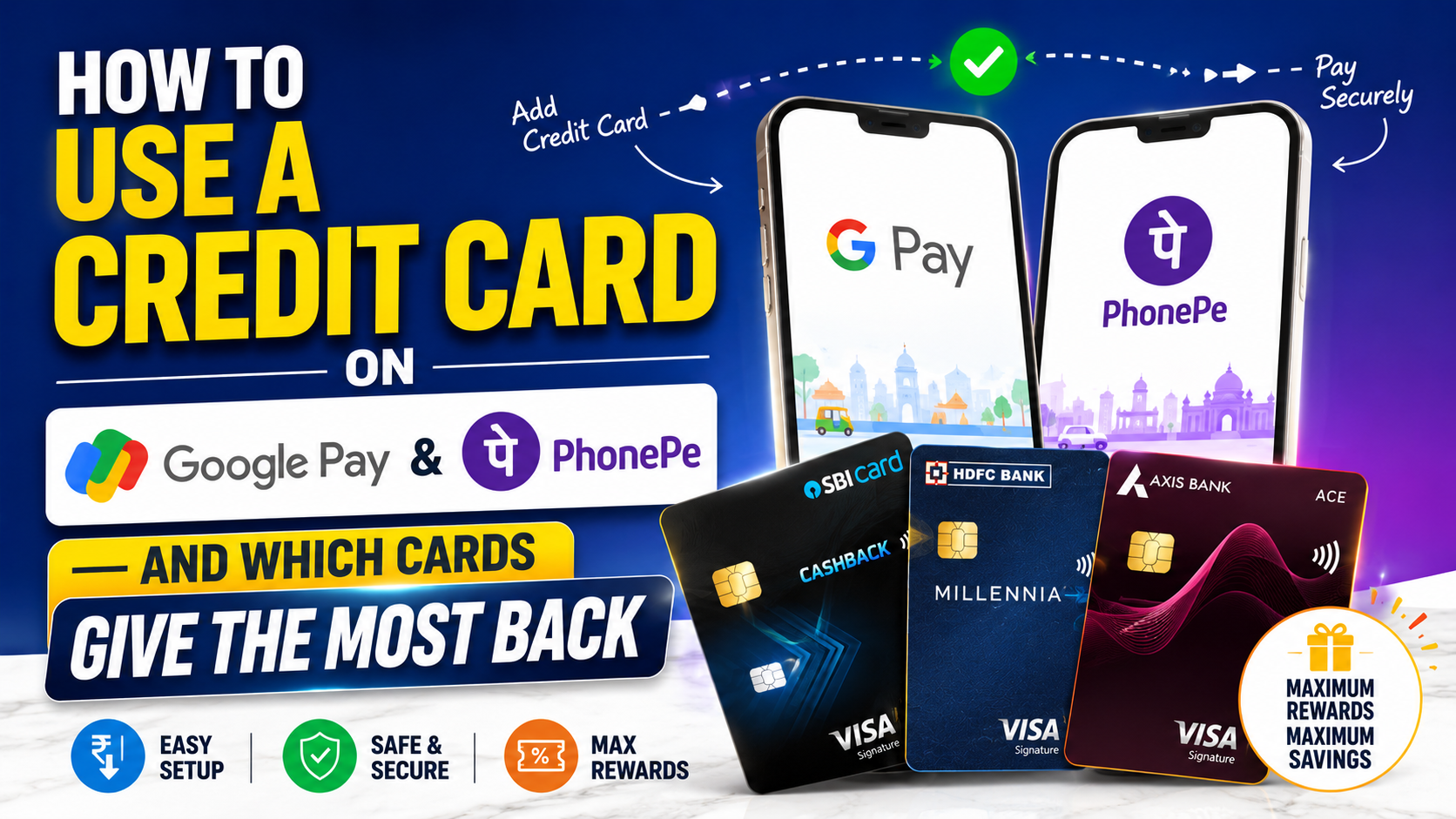
Google Pay and PhonePe are where most Indians already live for UPI. When people ask how to “use a credit card” inside these apps, they usually mean one of two jobs: pay a shop QR from your credit limit (credit-on-UPI, mostly RuPay today), or pay your monthly card bill from a savings account linked in the same app.
Those are not the same flow — and they do not earn rewards the same way. This guide separates them, walks through the usual in-app steps for Google Pay and PhonePe, and shows which cards on CardCheck are built to give the most back when your spend actually runs through those apps.
NPCI’s public RuPay overview explains the network; your bank’s MITC (fee and reward PDF) is still the binding document for caps, exclusions, and whether a payment counts as eligible retail, utility, or nothing.
Cards in this comparison (5)
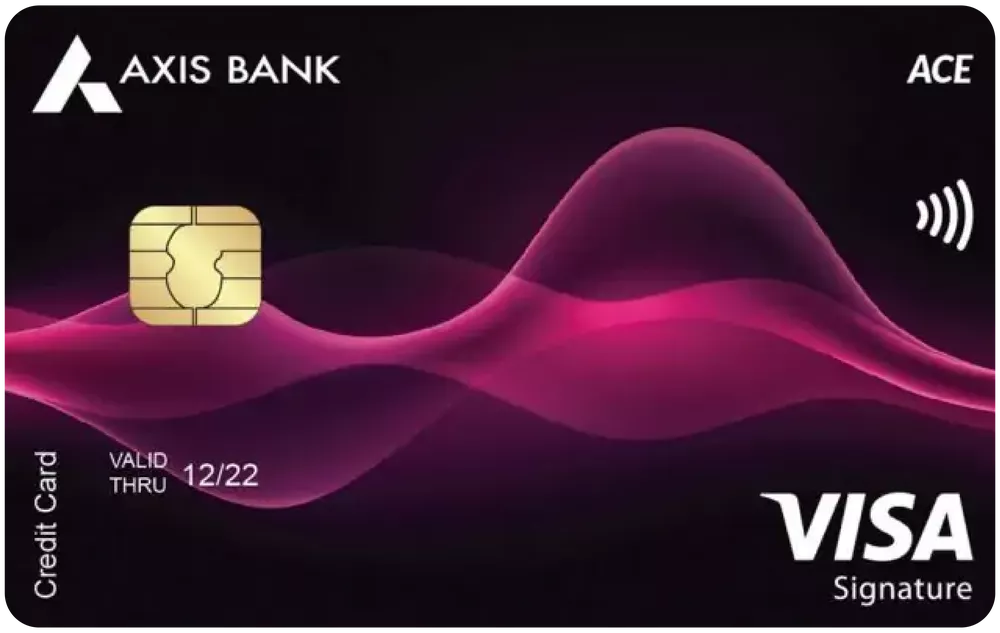

ACE Credit Card
Cashback on utility bills via Google Pay and daily spending


HDFC Bank UPI RuPay Credit Card
UPI power users — earn credit card rewards on UPI QR payments
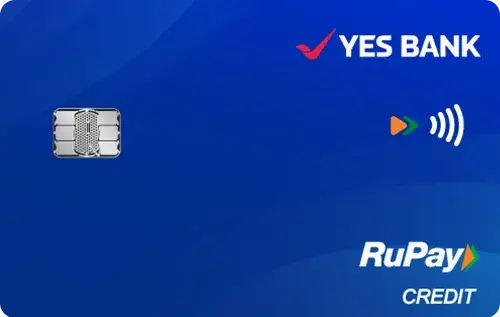

YES Bank RuPay Credit Card
Free RuPay credit card — UPI credit payments + 1% cashback on all spends
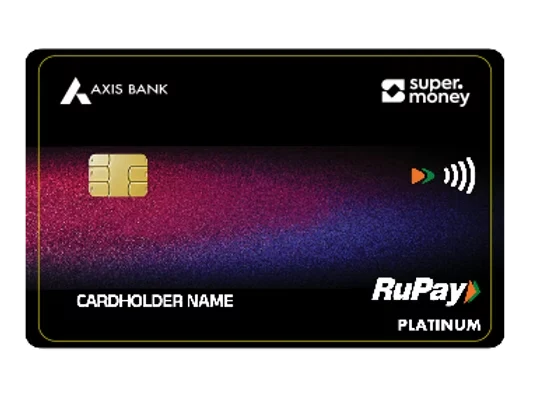
Axis SuperMoney RuPay
UPI cashback, everyday cashback spends

Kiwi RuPay Credit Card
UPI-first users, daily merchant UPI spends, cashback seekers
Two jobs — do not mix them up
Job A — Scan a merchant QR using your credit line
You link an eligible RuPay credit card inside GPay or PhonePe, pick it as the payment account, then scan a shop QR. The money hits your card statement — same interest and due-date rules as a normal card swipe if you do not pay in full.
Job B — Pay your credit card bill through the app
You add your card number (often Visa/Mastercard/RuPay) under Bill pay / Credit card payment and fund it from linked savings. That is a repayment, not a purchase — no cashback on the bill-pay itself.
Takeaway: rewards live in Job A (and in special Google Pay bill-pay flows where the issuer accelerates utility spend — see Axis ACE below). Job B is convenience only.
Before you start — quick checklist
- Card network: for credit-on-UPI, confirm you hold a RuPay credit product your bank lists for UPI — not every premium Visa line appears yet.
- App build: update Google Pay and PhonePe; older versions sometimes hide credit funding.
- Mobile number: the SIM on the phone should match what the card bank expects for OTP.
- Reward literacy: open your MITC and search UPI, digital, wallet, rent, and cashback before you move daily spends.
Safety: never share OTP, UPI PIN, or CVV on calls or chat. Legitimate flows collect OTP inside the bank or app screen only.
Google Pay — link RuPay credit and pay at a QR
Labels change with app versions, but the shape is consistent:
- Open Google Pay → Profile → Payment methods (or Bank accounts).
- Tap Add payment method → choose Credit card / RuPay credit on UPI if shown.
- Select your issuing bank, enter card number, expiry, and CVV; complete bank OTP.
- Set a UPI PIN for that credit line when prompted (separate from your card’s ATM PIN).
- On the home pay screen, pick the RuPay credit account before you scan the merchant QR.
If the card never appears, call bank support — they can confirm whether credit-on-UPI is live for your BIN and region. Our companion guide How to link your credit card to UPI goes deeper on linking and earn rules.
PhonePe — same idea, different menus
On PhonePe, the path is usually Profile → Payment methods → Add → RuPay credit card (wording varies).
- Choose card-issuing bank from the list.
- Complete OTP on the bank’s page.
- Set UPI PIN if the app asks.
- At checkout, select the credit account before confirming the scan.
PhonePe co-brand cards (for example PhonePe HDFC or PhonePe SBI variants) are marketed heavily inside the app. We do not list every co-brand on CardCheck yet — if you hold one, read SBI Card or HDFC MITC on the issuer site for in-app cashback lines. For catalogue-backed compares, use the RuPay picks in the table below.
Google Pay utility bills — where Axis ACE stands out
Not all “Google Pay rewards” are UPI credit. A high-value pattern is paying electricity, gas, broadband, or DTH through Google Pay’s bill section with a regular credit card on file.
Axis Bank ACE Credit Card
On CardCheck, Axis ACE publishes 5% cashback on utility bill payments and recharges on Google Pay, plus 4% on Swiggy, Zomato, and Ola, and 1.5% on other eligible spends. Annual fee ₹499 with waiver on ₹2 lakh annual spend in our fee block.
Who it suits: salaried households that route bills through GPay and food delivery through the listed apps — not someone who only scans kirana QRs on RuPay credit.
Honest caveats from published exclusions: no cashback on fuel, EMI, wallet loads, rent, or jewellery — same class of traps as other cashback cards.
Which cards give the most back on PhonePe and Google Pay?
There is no single winner for “every tap.” Match the card to where your money actually flows.
| Card | Fee (on CardCheck) | Best fit inside GPay / PhonePe | Published reward angle |
|---|---|---|---|
| ₹499 / ₹499 (waiver ₹2L spend) | GPay utility & recharge bill pay | 5% on utilities/recharges via Google Pay; 4% on listed food/ride apps | |
| ₹99 / ₹99 (waiver ₹25K spend) | RuPay credit-on-UPI QR + utilities | 3% on utility bills; 1% on other eligible UPI-linked spends via HDFC UPI on credit | |
| ₹0 / ₹0 | RuPay credit in PhonePe, GPay, BHIM | 1% cashback on eligible retail; UPI-linked positioning | |
| See card page | SuperMoney / UPI ecosystem users | RuPay + UPI marketing; compare earn lines on the page | |
| See card page | App-native RuPay credit users | Entry RuPay line — verify caps on issuer MITC |
For a wider seven-card RuPay table, see Best credit cards for UPI payments India 2026.
Deep dive — five catalogue picks
Axis Bank ACE Credit Card
Pick when: most of your “Google Pay” volume is utility and recharge bill pay, not random shop QR codes. This is the strongest published GPay-specific accelerator in our database.
HDFC Bank UPI RuPay Credit Card
Pick when: you want explicit UPI-linked wording — 3% utilities plus 1% on other eligible UPI-linked spends after reading HDFC’s exclusions.
YES Bank RuPay Credit Card
Pick when: you want ₹0 fees and a simple 1% retail story across PhonePe, Google Pay, and BHIM in the marketing copy — still verify merchant category on your first ten transactions.
Axis SuperMoney RuPay Credit Card
Pick when: you already live in Axis SuperMoney and want a RuPay credit line aligned with that stack — compare fee waiver maths on the card page.
Kiwi RuPay Credit Card
Pick when: you prefer an app-first RuPay credit experience — treat published rates as a starting point, not a guarantee on every QR.
Stacking GPay + PhonePe without overspending
A practical two-card pattern for salaried users:
- Axis ACE for Google Pay utility and listed food/ride apps.
- HDFC UPI RuPay or YES RuPay for RuPay credit-on-UPI at shops that accept credit funding.
Run both paths through the Rewards Calculator with real numbers — a ₹99 or ₹499 annual fee only wins if your eligible volume clears caps and exclusions.
Credit discipline: UPI makes spending feel like debit. Set a monthly UPI credit cap in the app if available, or move discretionary QR spends back to savings UPI once you hit your budget.
What usually earns nothing — read once
- Wallet top-ups (Paytm wallet, PhonePe wallet loads) — typically excluded.
- Rent, government fines, jewellery — often blocked or reduced.
- P2P transfers disguised as payments — not retail spend.
- Paying your card bill through GPay/PhonePe — repayment, not purchase.
If a transaction posts at 0% earn, screenshot the UTR and check the MCC on your statement preview before you blame the app.
FAQ
- Can I use a Visa credit card on Google Pay UPI in India?
Credit-on-UPI rollout is still bank-by-bank. Most issuers market RuPay credit first. If your Visa or Mastercard credit line does not appear under payment methods, you cannot force it — wait for issuer enablement or use RuPay products such as HDFC UPI RuPay or YES RuPay.
- Does paying my credit card bill on PhonePe earn cashback?
No. Bill payment is a repayment from your bank account. Cashback and points apply to purchases (and certain bill-pay categories where the issuer explicitly accelerates utility spend — e.g. Axis ACE on Google Pay utilities).
- Which card is best only for PhonePe and Google Pay QR scans?
For RuPay credit-on-UPI at shops, HDFC UPI RuPay publishes 1% on eligible non-utility UPI-linked spends after a 3% utility bucket. YES RuPay is the simple ₹0-fee 1% retail option. For GPay utility bills, Axis ACE publishes 5% on utilities/recharges via Google Pay.
- Is UPI PIN the same as my credit card PIN?
No. UPI PIN is set inside the UPI app for the linked account. Your card PIN is for ATM/chip — keep both private.
- Where do I verify exclusions and monthly caps?
Your issuer’s MITC and schedule of charges on the bank website. Search UPI, digital, cashback, and merchant category — aggregator blogs are useful for layout, not proof.
- What should I use on CardCheck after setting up GPay and PhonePe?
Plug your utility, QR, and delivery spend into the Rewards Calculator. If you are still choosing a card, the Quiz shortlists options in about one minute.
Cards in this comparison (5)
ACE Credit Card
Cashback on utility bills via Google Pay and daily spending
HDFC Bank UPI RuPay Credit Card
UPI power users — earn credit card rewards on UPI QR payments
YES Bank RuPay Credit Card
Free RuPay credit card — UPI credit payments + 1% cashback on all spends
Axis SuperMoney RuPay
UPI cashback, everyday cashback spends
Kiwi RuPay Credit Card
UPI-first users, daily merchant UPI spends, cashback seekers

Vineet Verma
Lead AnalystLead Financial Researcher & Credit Card Analyst at CardCheck
Vineet specializes in Indian retail banking terms, reward point economics, and MITC verification. Every insight is audited against official bank filings.